
Custom Family Reunion and Group Trip Shirts in Miami
To prepare your design for printing, send a high-resolution file — ideally a vector file (AI, EPS, PDF, or SVG) or a PNG with a transparent background at 300 DPI. Vector files are best because they scale to any size without losing quality. If you don’t have a print-ready file, Miami Epic Tees can clean up or recreate your design for you.
A great print starts with a great file. The quality of what you send directly affects how sharp and professional your shirts look. The good news is that preparing your design is simple once you know what to send — and if you don’t have the perfect file, we can help. Here’s what you need to know.
The Best File Types for Printing
Vector Files — The Gold Standard
Vector files (AI, EPS, PDF, or SVG) are the best format for printing because they can be scaled to any size — from a left-chest logo to a full back print —
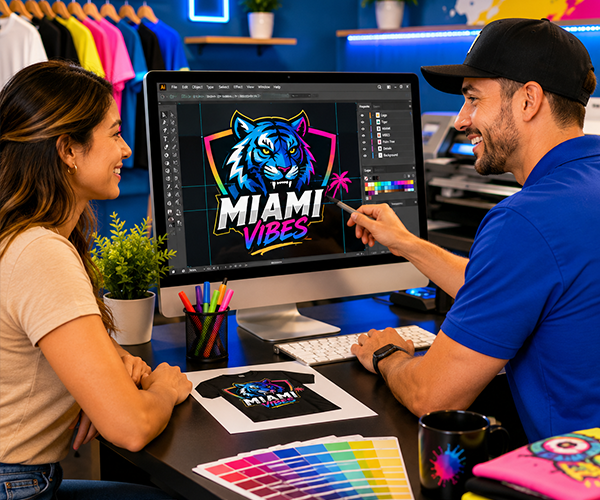
without ever losing sharpness. If you have your logo as a vector file, you’re all set.
High-Resolution PNG — Also Great
A PNG with a transparent background at 300 DPI works well for most prints, especially DTF and DTG. The transparent background means we print only your design, not a white box around it. Make sure it’s high resolution — a small image pulled from a website usually won’t print sharply.
What to Avoid
Low-resolution images, screenshots, and tiny files from social media often look blurry or pixelated when printed larger. A logo that looks fine on a phone screen may not have enough detail for a clean print. When in doubt, send it to us and we’ll tell you honestly if it’ll work.
A Quick Checklist Before You Send
- Vector file (AI, EPS, PDF, SVG) — or PNG at 300 DPI
- Transparent background (for PNG)
- High resolution — not pulled small from a website or social media
- Correct colors — tell us your exact brand colors if they matter
- Text converted to outlines (for vector files), if you can
Don’t Have a Good File? We’ve Got You
Plenty of customers come to us with just a rough image, an old logo, or nothing but an idea. Our design team can clean up a low-quality logo, recreate it as a crisp vector, or design something from scratch. You’ll always approve a proof before we print, so you see exactly what you’re getting.
Why This Matters for Your Order
Sending a good file means a faster turnaround and a sharper result. When your file is print-ready, we can move straight to production. When it needs work, our design team steps in. Either way, with 259 five-star reviews and over 10 years of experience, we make sure your design looks its best before it goes on a single shirt. We’re in Hialeah Gardens, serving all of Miami-Dade.
Frequently Asked Questions
What file format is best for t-shirt printing?
A vector file (AI, EPS, PDF, or SVG) is best because it scales to any size without losing quality. A high-resolution PNG with a transparent background at 300 DPI also works well.
What if I only have a low-quality logo?
Send it to us — our design team can clean it up or recreate it as a sharp, print-ready file. You’ll approve a proof before we print.
Do I need a transparent background?
For PNG files, yes — a transparent background means we print only your design, not a box around it. Vector files handle this automatically.
Can you design a logo for me from scratch?
Yes — if you have an idea but no logo, our design team can create one. Tell us your concept and we’ll bring it to life. Call (305) 224-3465.